Program Information
Basic Adobe Illustrator
About the Course
This Adobe Illustrator program is designed to provide participants with a strong foundation in vector-based graphic design. It covers essential tools, basic functions, and digital drawing techniques, along with an introduction to visual design principles. The course is suitable for beginners who want to build core design skills through a practical, hands-on approach. Participants will learn to create and edit vector graphics, design simple illustrations and basic logos, apply colors and typography, use basic effects, and prepare graphics for various formats and purposes.
Course Essentials
Facilities
Fully equipped and advanced facilities
Trainer
Experienced trainer from industry
Certification
Certification of Completion
Modules
Industry Oriented Modules
Entry Requirements
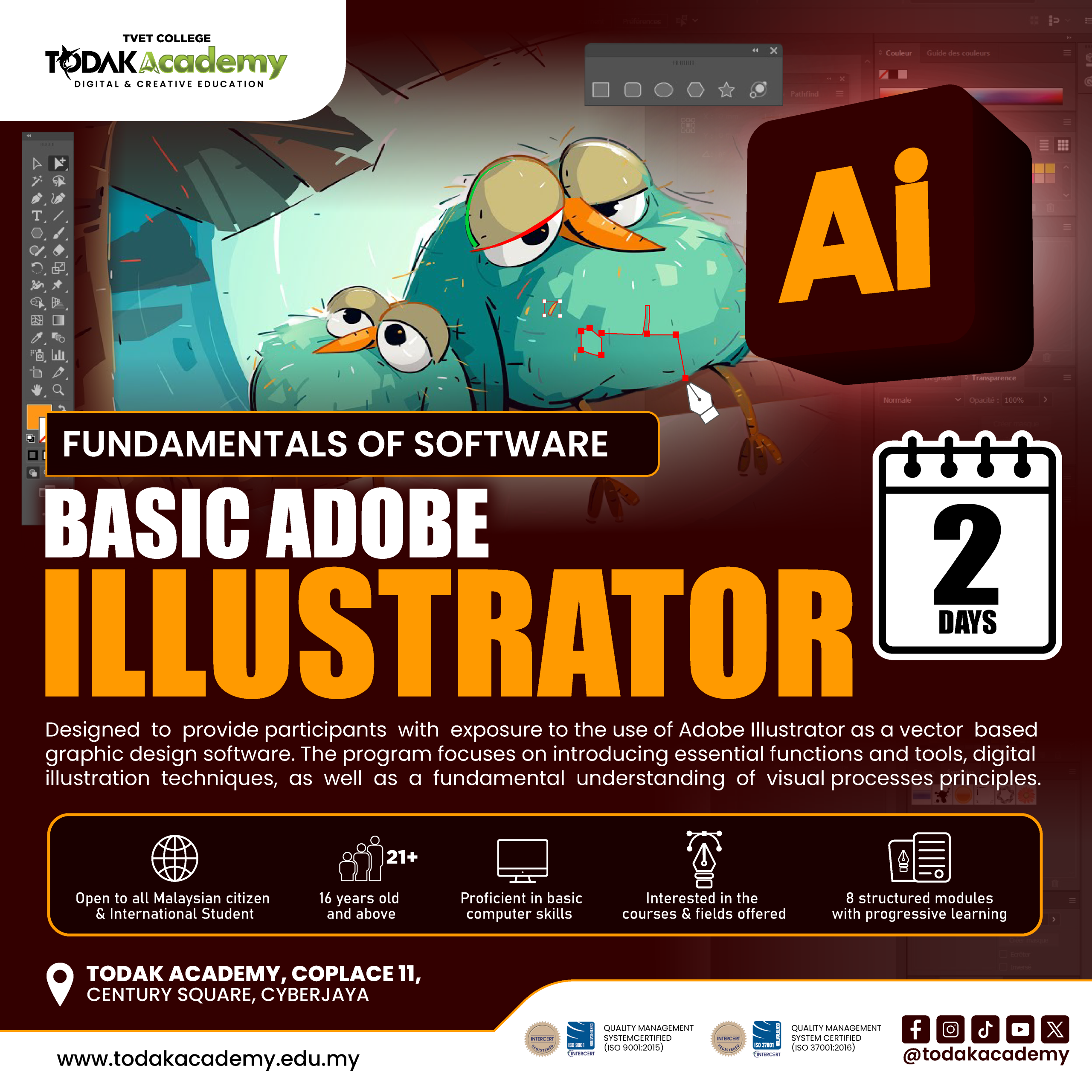
1. Open to all Malaysian citizen and International Student
2. 16 years old and above
3. Proficient in basic computer skills
4. Interested in the courses and fields offered
Modules
- Introduction to vector graphics and Illustrator concept
- Difference between vector and raster graphics
- Overview of Illustrator workspace and artboard
- Understanding basic design workflow in Illustrator
- Difference between vector and raster graphics
- Overview of Illustrator workspace and artboard
- Understanding basic design workflow in Illustrator
- Identify key tools and panels in Illustrator
- Understanding selection, drawing, and shape tools
- Introduction to layers and object organization
- Overview of menus, shortcuts, and customization options
- Understanding selection, drawing, and shape tools
- Introduction to layers and object organization
- Overview of menus, shortcuts, and customization options
- Create and manipulate basic shapes (rectangle, ellipse, polygon)
- Apply alignment, grouping, and arrangement
- Understand visual hierarchy and balance in designs
- Apply basic layout principles in compositions
- Apply alignment, grouping, and arrangement
- Understand visual hierarchy and balance in designs
- Apply basic layout principles in compositions
- Understand fill, stroke, and color application
- Introduction to swatches, gradients, and patterns
- Apply basic color theory in graphic design
- Manage color consistency across objects
- Introduction to swatches, gradients, and patterns
- Apply basic color theory in graphic design
- Manage color consistency across objects
- Add and format text in Illustrator
- Understand typefaces, fonts, and hierarchy
- Apply text effects and alignment
- Integrate text with visual elements
- Understand typefaces, fonts, and hierarchy
- Apply text effects and alignment
- Integrate text with visual elements
- Apply basic transformations: scale, rotate, reflect
- Apply simple effects: drop shadow, opacity, blur
- Use pathfinder and shape-building tools
- Combine shapes and effects for enhanced design
- Apply simple effects: drop shadow, opacity, blur
- Use pathfinder and shape-building tools
- Combine shapes and effects for enhanced design
- Overview of file formats (AI, PNG, JPEG, SVG, PDF)
- Set up artboard for print and digital purposes
- Export graphics for different media
- Understand resolution and scalability considerations
- Set up artboard for print and digital purposes
- Export graphics for different media
- Understand resolution and scalability considerations
- Plan a basic graphic project (logo, icon, or illustration)
- Apply learned tools, colours, and typography
- Refine and finalise design
- Prepare graphics for portfolio or presentation
- Apply learned tools, colours, and typography
- Refine and finalise design
- Prepare graphics for portfolio or presentation
Course Duration
2 Days
Total Subject
-
Course Category
Intensive Class
Tuition Fee
RM 700
Registration Fee
-
Loan
N/A
Want To Know More?