Program Information

Basic Autodesk Maya

Character learning Autodesk Maya fundamentals

About the Course

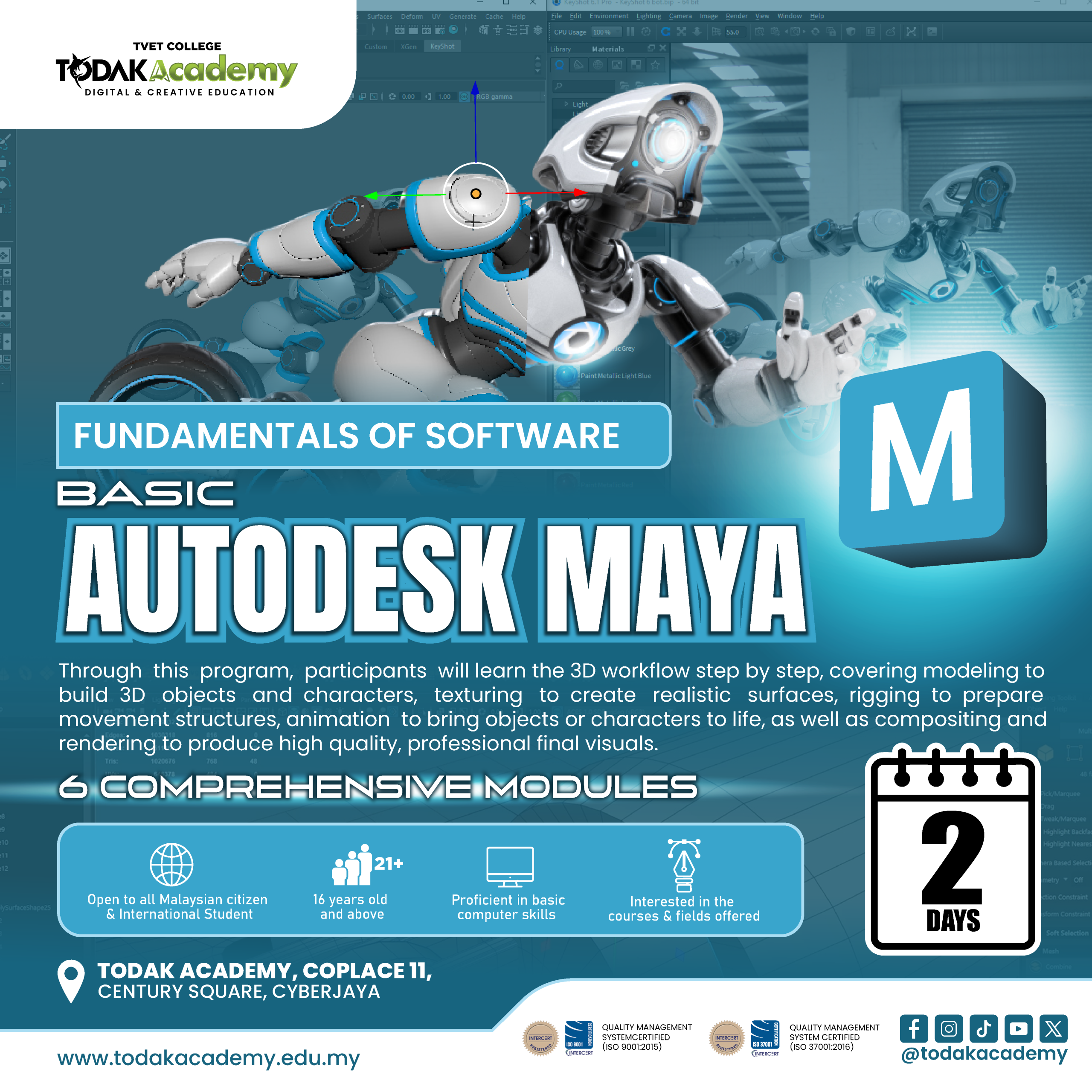
The Basic Maya program is designed to provide participants with comprehensive exposure to Autodesk Maya for 3D graphics and animation production. Through this program, participants will learn the 3D workflow step-by-step, including modeling to create objects and characters, texturing to produce realistic surfaces, rigging to set up movement structures, animation to bring characters and objects to life, and compositing and rendering to produce high-quality, professional final visuals.

Course Essentials

Facilities

Fully equipped and advanced facilities

Trainer

Experienced trainer from industry

Certification

Certification of Completion

Modules

Industry Oriented Modules
Entry Requirements

1. Open to all Malaysian citizen and International Student
2. 16 years old and above
3. Proficient in basic computer skills
4. Interested in the courses and fields offered

Modules

- Introduction to 3D graphics and basic Maya concepts

- Differences between 2D and 3D graphics

- Overview of Autodesk Maya interface and workspace

- Understanding the basic 3D production workflow in Maya

- Identifying key panels, menus, and shelves in Maya

- Understanding viewport navigation and camera controls

- Introduction to transform tools (move, rotate, scale)

- Overview of settings, keyboard shortcuts, and workspace customization

- Introduction to polygon modeling concepts

- Creating and modifying basic 3D objects (primitives)

- Using modeling tools such as extrude, bevel and insert edge loop

- Understanding object topology and clean modeling practices

- Introduction to materials and shaders in Maya

- Applying basic materials to 3D objects

- Fundamentals of UV mapping

- Using textures to enhance surface quality and realism

- Introduction to rigging and character setup

- Creating joints and skeletal structures

- Basics of skinning and binding techniques

- Understanding controllers and simple rig controls

- Introduction to basic principles of 3D animation

- Using the timeline and keyframes

- Creating basic object animations

- Understanding playback, graph editor and animation timing control

- Introduction to lighting concepts in Maya

- Setting up basic lighting and scene environment

- Introduction to rendering engines (Arnold)

- Basic rendering settings and output generation

- Creating render passes and image sequences

- Basic post-production workflow

- Exporting final output for presentation or video

Course Duration

2 Days

Total Subject

-

Course Category

Intensive Class

Tuition Fee

RM 700

Registration Fee

-

Loan

N/A
Autodesk Maya short course at Todak Academy Cyberjaya teaching 3D modeling texturing rigging animation and rendering for beginners

Want To Know More?