

Program Information
Basic Adobe Photoshop
About the Course
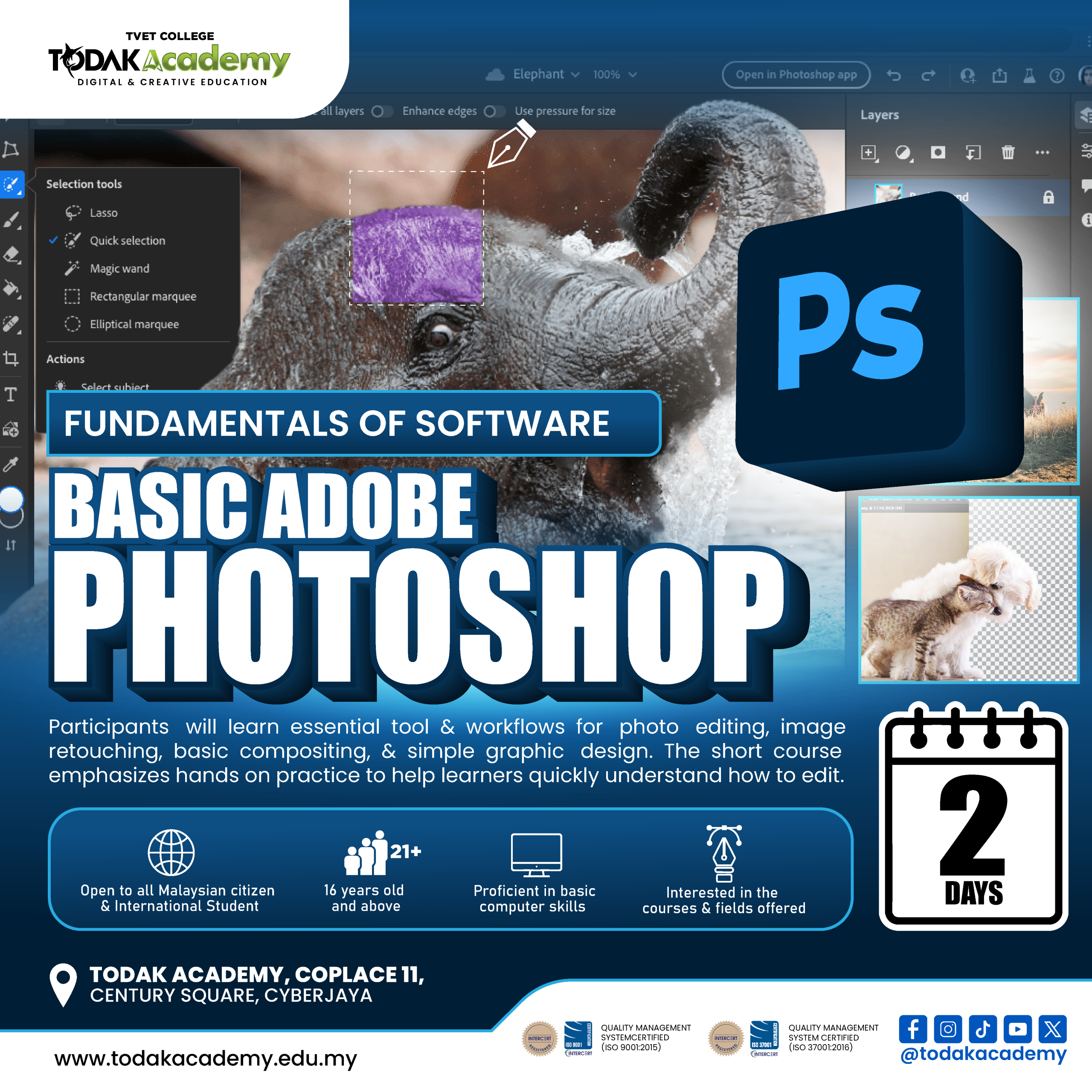
This course is designed to provide participants with a solid foundation in using Adobe Photoshop for digital image editing. Participants will learn essential tools and techniques, including colour enhancement, image correction, and basic photo manipulation to produce more polished and professional visuals. The class adopts a hands-on learning approach, with 30% theory and 70% practical application. Throughout the course, participants will complete several mini projects, culminating in a final project on the second day to apply and reinforce their skills.
Course Essentials

Facilities
Fully equipped and advanced facilities

Trainer
Experienced trainer from industry

Certification
Certification of Completion

Modules
Industry Oriented Modules
Entry Requirements
1. Open to all Malaysian citizen and International Student
2. 16 years old and above
3. Proficient in basic computer skills
4. Interested in the courses and fields offered
Modules
- Introduction to digital imaging and Photoshop concept
- Difference between raster and vector graphics
- Overview of Photoshop workspace and panels
- Understanding basic editing workflow in Photoshop
- Difference between raster and vector graphics
- Overview of Photoshop workspace and panels
- Understanding basic editing workflow in Photoshop
- Identify key tools and panels in Photoshop)
- Understanding selection tools (Marquee, Lasso, Quick Selection)
- Introduction to Move Tool, Crop Tool, Brush, and Text Tool
- Overview of menus, shortcuts, and workspace customization
- Understanding selection tools (Marquee, Lasso, Quick Selection)
- Introduction to Move Tool, Crop Tool, Brush, and Text Tool
- Overview of menus, shortcuts, and workspace customization
- Understand layer concept and layer hierarchy
- Create, duplicate, arrange, and organize layers
- Apply opacity and blending modes
- Introduction to Layer Mask and non-destructive editing
- Create, duplicate, arrange, and organize layers
- Apply opacity and blending modes
- Introduction to Layer Mask and non-destructive editing
- Apply basic adjustments (Brightness/Contrast, Hue/Saturation)
- Introduction to Levels and Color Balance
- Understand Adjustment Layer vs direct image editing
- Apply basic color correction for different lighting conditions
- Introduction to Levels and Color Balance
- Understand Adjustment Layer vs direct image editing
- Apply basic color correction for different lighting conditions
- Use Spot Healing Brush and Healing Brush
- Apply Clone Stamp for object removal
- Introduction to Content-Aware Fill
- Maintain natural skin texture and realistic retouching
- Apply Clone Stamp for object removal
- Introduction to Content-Aware Fill
- Maintain natural skin texture and realistic retouching
- Cut and extract subject from background
- Combine multiple images using masking
- Match lighting, shadow, and color tone
- Apply simple blending techniques for realistic composition
- Combine multiple images using masking
- Match lighting, shadow, and color tone
- Apply simple blending techniques for realistic composition
- Add and format text in Photoshop
- Understand basic typography hierarchy
- Apply text effects and blending
- Combine text with visual elements for poster design
- Understand basic typography hierarchy
- Apply text effects and blending
- Combine text with visual elements for poster design
- Overview of file formats (PSD, JPEG, PNG, PDF)
- Set up canvas size and resolution for print and digital
- Export settings for social media and print
- Understand resolution, DPI, and image quality considerations
- Set up canvas size and resolution for print and digital
- Export settings for social media and print
- Understand resolution, DPI, and image quality considerations
- Plan a simple photo manipulation or poster project
- Apply tools, color correction, and retouch techniques
- Refine and finalize design
- Prepare artwork for presentation or portfolio use
- Apply tools, color correction, and retouch techniques
- Refine and finalize design
- Prepare artwork for presentation or portfolio use
Course Duration
2 Days
Total Subject
-
Course Category
Intensive Class
Tuition Fee
RM 700
Registration Fee
-
Loan
N/A
Want To Know More?